Business process automation use cases
Practical business process automation use cases, explained end to end: what the process looks like today, what changes, where people stay in control and what results to expect.
At a glance
| What these are | Business processes we automate with AI and workflows |
| Areas | Finance, purchasing, sales, operations, HR and service |
| Platforms | Zoho, Odoo and Microsoft |
| Approach | Automate routine steps, keep people on decisions |
Business process automation use cases start with the process
Business process automation works best when it targets a specific process with a clear owner and a measurable result. Each use case below describes one process from start to finish, on the platforms we implement.
Most clients start with one use case, prove the result, and then extend to the next. These pages help you choose where to start.
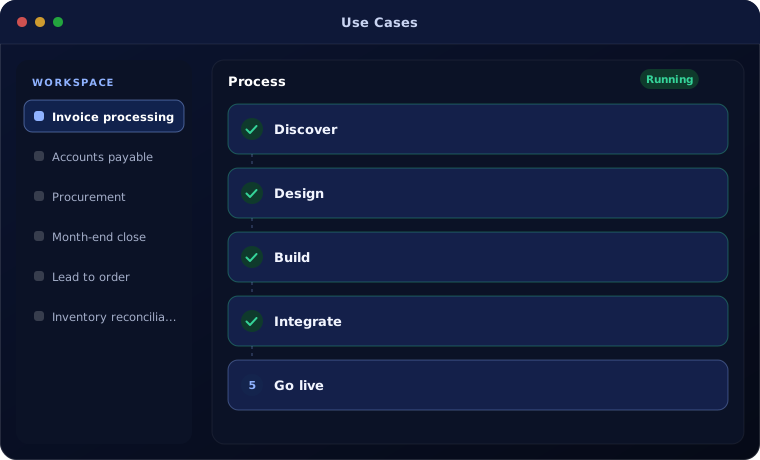
Use cases
Each guide covers the current process, the automated flow, controls and expected results.
Which use case should we start with?
The best first project is high in volume, clear in its rules and painful today.
A strong fit when
- The process runs many times a week
- The rules can be written down
- Errors or delays cost money or customers
- One team owns the process
Look elsewhere when
- The process happens a few times a year
- Every case needs expert judgement
- Nobody owns the process end to end
Common questions
How long does a typical automation take?
A first use case usually takes four to eight weeks from discovery to live use.
Do we need to change our software?
Usually not. Most automation is built on the Zoho, Odoo or Microsoft systems you already use.
How do we measure success?
We agree measures before starting, such as hours saved, cycle time or error rate, and report against them.
Not sure which process to automate first?
Tell us where your team spends the most time on routine work. We will suggest the best starting point.