Zoho Forms setup for data capture
We build forms in Zoho Forms that capture information correctly the first time and send it straight to the system that needs it.
The short answer
Zoho Forms creates online forms for websites, links and mobile devices, applies rules to what is entered, routes entries for approval and passes the data to other systems. It suits any business still collecting information by email, paper or spreadsheet. BookMyTechies designs the forms and connects them to your CRM and other tools.
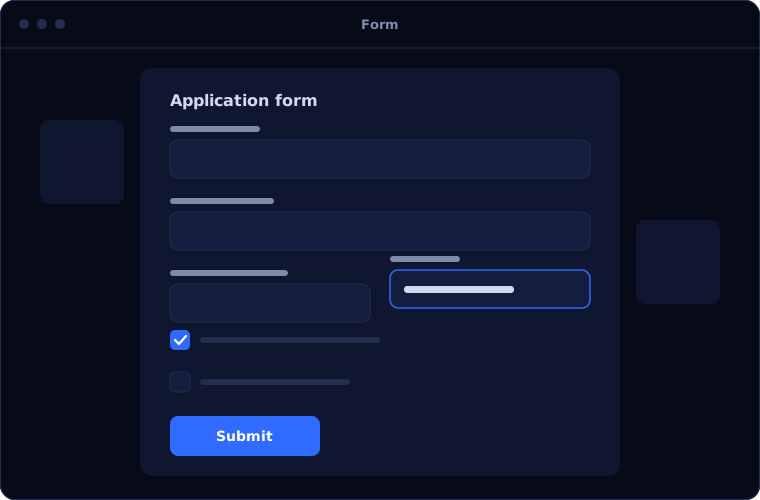
What Zoho Forms does
Zoho Forms turns information requests into structured data. These are its main capabilities.
Form builder
Fields for text, choices, dates, files, signatures and payments, arranged without code.
Conditional logic
Questions that appear or change based on earlier answers.
Approvals
Entries routed to one or more approvers before they are accepted.
Mobile and offline
Forms filled in on phones and tablets, including where there is no signal.
Integrations
Entries create or update records in Zoho CRM, Desk and other apps.
Notifications and reports
Emails sent on submission, with entries summarised in reports.
Is Zoho Forms the right fit?
Zoho Forms handles straightforward data capture well. More complex needs call for more.
A strong fit when
- Enquiries or applications arrive by email or paper
- Staff retype form entries into another system
- You need approvals on submitted information
- Field staff collect data away from the office
Look elsewhere when
- The process needs a database and multi-step workflow, where Zoho Creator fits better
- You need a full survey research tool
- The form is part of a system that already has its own forms
How we implement Zoho Forms
A good form is short, clear and connected. We design all three.
Review what you collect
We list the information you gather today and where it ends up.
You receiveA list of forms and their destinationsDesign the forms
We decide fields, logic, validation and approval steps.
You receiveForm designs agreed with youBuild and connect
We build the forms and link them to your CRM or other systems.
You receiveWorking forms with test entriesPublish
Forms are added to your website, shared by link or installed on devices.
You receiveLive forms in useTrain
Your team learns to manage entries and adjust forms.
You receiveTraining and documentation
Problems we are asked to solve
These are common reasons clients ask for Zoho Forms.
| The situation | What we do |
|---|---|
| Website enquiries arrive as emails and get lost | Send each entry straight into Zoho CRM as a lead |
| Applications are incomplete or unreadable | Use required fields, validation and file upload |
| Paper forms are typed up days later | Capture the data on a phone or tablet at the source |
| Approvals happen over email with no record | Add approval steps with a clear history |
Common questions
Can forms be embedded in our website?
Yes. Forms can be embedded in a page, opened from a link or shown as a pop-up.
Can a form take payments?
Yes, through supported payment gateways.
When should we use Zoho Creator instead?
When the information needs its own database, several stages of processing or reporting across records. Forms is for capture; Creator is for applications.
Do forms work without an internet connection?
The mobile app can collect entries offline and upload them when a connection returns.
How this page is maintained. Written and reviewed by the BookMyTechies implementation team, based on our project work. Product details are checked against Zoho's documentation, and pricing is linked to Zoho's own page because it changes.
Explore further
The same job on other platforms
AI automation for this
Often used alongside
Industries where this matters
Still collecting information by email or paper? Talk to us.
Tell us what you collect and where it needs to go. We will build the forms to match.