AI finance automation
We automate the routine work in finance: capturing bills, matching them to orders, posting entries and reconciling accounts, with your team approving what matters.
The short answer
AI finance automation reads supplier bills and other financial documents, matches them against purchase orders and receipts, prepares the accounting entries and flags anything that does not agree. Your finance team reviews exceptions and approves payments instead of keying data. BookMyTechies builds this on the accounting system you already use.
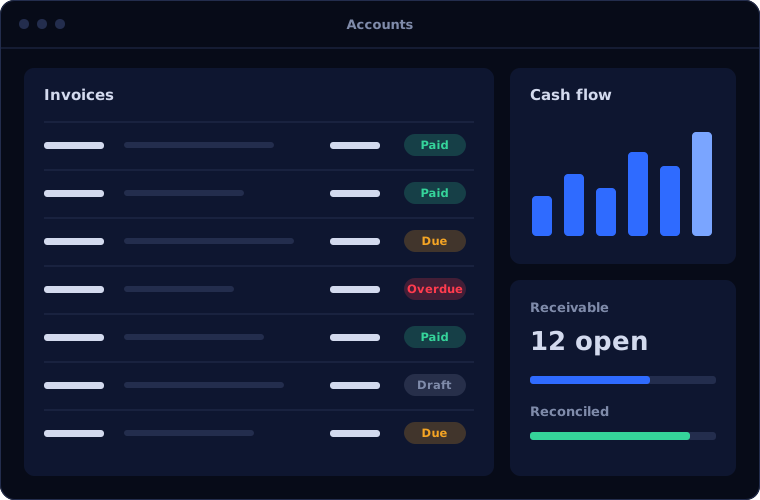
Finance teams spend their time on entry, not analysis
In most finance departments, skilled people spend much of the month typing bills into the system, matching them to orders and chasing differences. The work is necessary, repetitive and slow, and month end arrives before it is finished.
Errors made at entry surface weeks later as reconciliation problems.
How the work is usually done today
- Bills arrive by email, post and portals
- Someone keys each one into the accounting system
- They match it to the purchase order and goods receipt
- Differences are queried by email
- Approved bills are scheduled for payment
What AI changes
The capture, matching and posting are automated. People deal with differences and approvals.
Reads any bill format
Supplier, amounts, tax, dates and line items extracted from PDFs, scans and emails.
Matches automatically
Each bill compared with its purchase order and receipt, with tolerances you set.
Prepares the entries
Coding suggested from history and posted to your accounting system on approval.
Reconciles continuously
Bank and ledger transactions matched daily, so month end starts nearly finished.
How the automation works
A typical accounts payable flow looks like this.
Capture
Bills are collected from your inbox and other sources as they arrive.
Handled byYour systemsExtract
The details on each bill are read and structured.
Handled byAIMatch
The bill is compared with the order and the receipt.
Handled byAIReview
Matched bills proceed. Mismatches and bills above a limit go to finance.
Handled byAI and personPost and pay
Approved bills are posted and scheduled for payment.
Handled byYour systems
Where people stay in control
Finance keeps authority over money. Automation prepares, people approve.
- Payment approval stays with authorised staff
- Tolerances for price and quantity differences are set by you
- New suppliers and bank detail changes always go to a person
- Finance can override any suggested coding
Security and governance
- The AI works only with the data and systems it has been given access to
- Every automated action is logged with what was done, when and why
- Confidential data is handled under your access rules, and we agree where it is processed before work starts
- Duties stay separated: the automation cannot both create and approve a payment
Systems this connects to
What you can expect
Results depend on your volumes and how clean your data is, so we measure a baseline first and report against it. We do not quote figures before we have seen the process.
- Bills entered without manual keying
- Mismatches found at entry, not at month end
- A shorter close, because reconciliation runs through the month
- Clear visibility of what is owed and when
Common questions
Which accounting systems does this work with?
We build it on Zoho Books, Odoo Accounting and Microsoft Dynamics 365 Business Central, and can connect to others through their interfaces.
How accurate is the data extraction?
It is high on clear documents and lower on poor scans or unusual layouts. Low-confidence fields are flagged for a person, and we measure accuracy on your own documents before go-live.
Does this replace our finance team?
No. It removes data entry and routine matching. Your team handles exceptions, approvals, supplier relationships and analysis.
Is it suitable for GST and tax compliance?
Tax amounts are captured and checked against your rules, and the entries follow the tax setup in your accounting system. Compliance remains your responsibility, with better data behind it.
Explore further
Platforms this automation runs on
Often used alongside
Is your finance team buried in data entry? Talk to us.
Tell us how many bills you process and how they are handled today. We will show you what can be automated.