AI automation with Odoo
We add AI automation to Odoo across accounting, inventory, purchasing and manufacturing, combining Odoo's own features with custom integrations.
The short answer
Odoo provides automation rules, scheduled actions and document digitisation that reads vendor bills. Because it is open, external AI models can be connected to any part of it. BookMyTechies uses these together to automate work across purchasing, stock, production and finance, inside the single Odoo database.
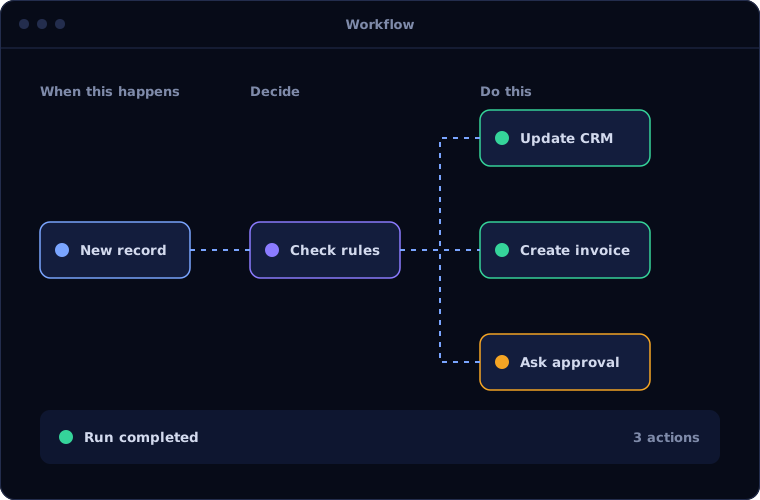
One database, but still many manual steps
Odoo connects departments well, but people still key in bills, decide what to reorder, chase late orders and check for mistakes. In a busy operation these steps consume hours every day.
Because all the data is in one place, Odoo is well suited to automating them.
How the work is usually done today
- Documents and orders arrive
- Staff enter them into Odoo
- Planners review stock and decide what to buy or make
- Supervisors chase delays
- Finance checks and corrects entries
What AI changes
Odoo's single database lets automation act across departments in one step.
Document digitisation
Vendor bills read and turned into draft entries for review.
Automation rules
Actions triggered by events and conditions anywhere in Odoo.
Smarter replenishment
Purchasing and production suggestions refined using demand history.
Custom AI integrations
External models connected for classification, drafting and exception handling.
How the automation works
An automation inside Odoo typically runs like this.
Trigger
A document arrives or a condition is met in Odoo.
Handled byYour systemsInterpret
The content is read and the situation assessed.
Handled byAIPropose
A draft bill, purchase order or action is created.
Handled byAIValidate
A user reviews and confirms the draft.
Handled byPersonPost
Odoo updates stock, production and accounts together.
Handled byYour systems
Where people stay in control
Odoo's validation steps remain the control points.
- Drafts are confirmed by a user before they post
- Approval rules apply by amount and document type
- Access rights limit what automation may do
- The record history shows every automated change
Security and governance
- The AI works only with the data and systems it has been given access to
- Every automated action is logged with what was done, when and why
- Confidential data is handled under your access rules, and we agree where it is processed before work starts
Systems this connects to
What you can expect
Results depend on your volumes and how clean your data is, so we measure a baseline first and report against it. We do not quote figures before we have seen the process.
- Less manual entry in purchasing and finance
- Earlier warning of shortages and delays
- Planners working from suggestions, not blank screens
- Automation that follows your Odoo configuration
Common questions
Does this need Odoo Enterprise?
Some built-in features, including document digitisation, are part of Enterprise. Custom integrations can be built on either edition. We advise after reviewing your setup.
Can AI plan production?
It can improve suggestions using history and flag problems earlier. Planning decisions stay with your planners.
Will custom AI work survive Odoo upgrades?
We build it as separate modules following Odoo's conventions, which keeps upgrades manageable.
Can it work with our customised Odoo?
Yes. We review the customisations and design the automation around them.
Running Odoo with too many manual steps? Talk to us.
Tell us which parts of Odoo take the most effort. We will show you what can be automated.