Microsoft Dynamics 365 and Power Platform
We implement Microsoft business applications for organisations that already work in Microsoft 365 and want finance, operations and reporting in the same ecosystem.
At a glance
| What it is | Microsoft's business applications for finance, operations, sales and reporting |
| Best for | Organisations whose teams already work in Outlook, Excel and Teams |
| Strongest in | Finance and operations, reporting and integration with Microsoft 365 |
| Our role | Process review, implementation, migration, reporting, training and support |
| Pricing | See Microsoft's website for current plans |
Why businesses choose Microsoft Dynamics 365
Microsoft's business applications are designed to work with the tools most office teams already use. A quote can be handled from Outlook, a list edited in Excel, and a report discussed in Teams, all against the same data.
For organisations with a serious commitment to Microsoft 365, this integration is the main reason to choose Dynamics 365 and the Power Platform. Our role is to configure them around your processes and make sure your data arrives clean.
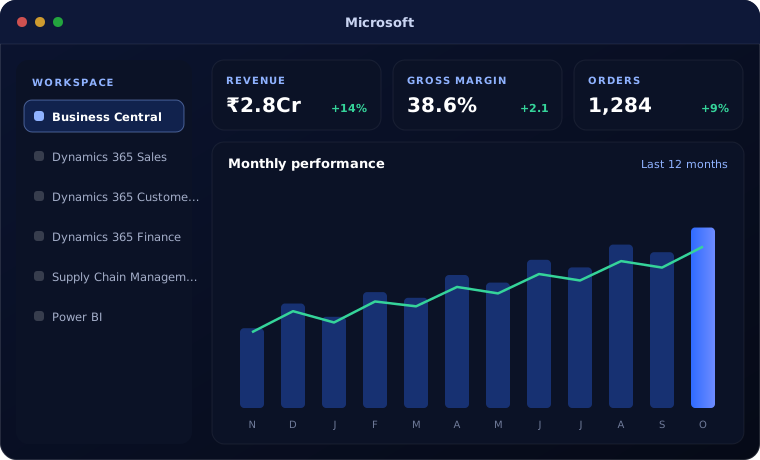
Microsoft products we implement
Each guide explains what the product does, who it suits and how we set it up.
Dynamics 365 Field Service
Dynamics 365 Field Service implementation: work orders, scheduling, technician mobile app, parts and service agreements connected to customer service.
Read the guide
Microsoft Copilot Studio
Microsoft Copilot Studio implementation: custom AI agents and copilots for Teams and websites, connected to SharePoint, Dynamics 365 and business systems.
Read the guide
Is Microsoft the right platform?
Microsoft's applications are capable and well integrated. They are the right choice in these circumstances.
A strong fit when
- Your organisation runs on Microsoft 365
- You need strong financial control and audit trails
- You expect to grow across entities or countries
- You want reporting through Power BI
Look elsewhere when
- You are a small business that needs simple tools, where Zoho costs less
- You need heavy manufacturing customisation on a tight budget, where Odoo may fit better
- Your team does not use Microsoft 365
Common questions
Which Microsoft product should we start with?
Organisations needing finance and operations usually start with Business Central. Those with a reporting problem start with Power BI.
Do we need Microsoft 365 to use these products?
It is not strictly required, but much of their value comes from working with Outlook, Excel and Teams.
Can Power BI report on non-Microsoft systems?
Yes. Power BI connects to many systems, including Zoho and Odoo data where needed.
Do you support existing Microsoft setups?
Yes. We review, improve and support existing Business Central and Power BI environments.
Running on Microsoft 365? Let us look at the next step.
Tell us what you use today and where it falls short. We will recommend the Microsoft products that would help.