Zoho Desk setup for customer support
We set up Zoho Desk so every customer request is captured, routed to the right person and answered on time, with managers able to see what is slipping.
The short answer
Zoho Desk collects customer requests from email, phone, chat, social media and web forms into one queue, assigns them and tracks them against response targets. It suits teams whose support currently lives in shared inboxes. BookMyTechies configures channels, routing and service levels and connects the help desk to your CRM.
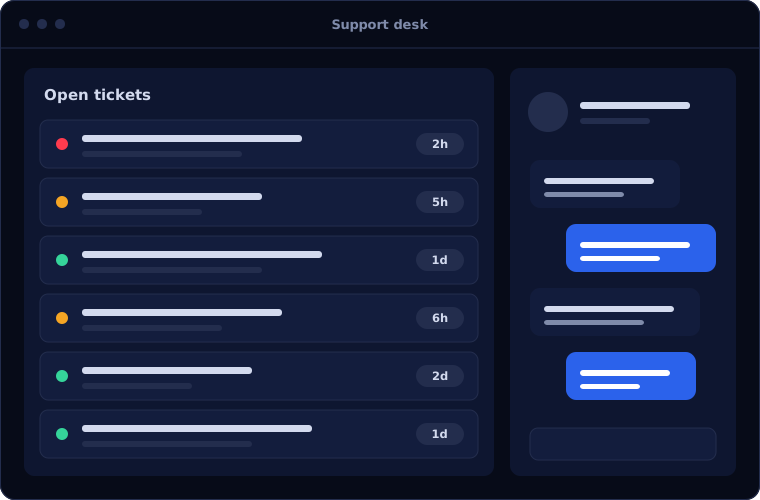
What Zoho Desk does
Zoho Desk gives support the structure sales has in a CRM. These capabilities matter most.
One queue for every channel
Email, phone, chat, social and web form requests become tickets in a single place.
Assignment and routing
Tickets go to the right team or person by product, customer, language or workload.
Service level targets
Response and resolution targets with alerts and escalation before a deadline is missed.
Knowledge base and self-service
Help articles and a customer portal that answer common questions without a ticket.
Customer context
With the CRM connected, agents see who the customer is and what they have bought.
Support reporting
Volumes, response times, backlog and satisfaction, by team and by agent.
Is Zoho Desk the right fit?
Zoho Desk is a good step up from a shared inbox. A few situations call for something else.
A strong fit when
- Support runs from shared mailboxes and requests get lost
- You want targets for response times and visibility of misses
- Your sales team uses Zoho CRM
- You want customers to help themselves with a knowledge base
Look elsewhere when
- You need field service scheduling, which calls for a dedicated tool
- Your company standard is Microsoft Dynamics 365 Customer Service
- You handle only a handful of requests a week
How we implement Zoho Desk
Support tools fail when routing and targets are guessed. We base them on your real requests.
Study your requests
We review the types of request you receive, the channels they arrive on and how they are handled.
You receiveA map of request types and current response timesDesign routing and targets
We agree departments, assignment rules, service levels and escalation paths.
You receiveA configuration plan with timeline and costConfigure channels
Email addresses, phone, chat and web forms are connected and tested.
You receiveA working help desk receiving test requestsBuild the knowledge base
We structure your help articles and import existing content and open tickets.
You receiveA customer portal with your first articlesTrain agents and managers
Agents practise on live tickets and managers learn the reports.
You receiveTraining and a support handbook
Problems we are asked to solve
These are the support problems clients ask us to fix.
| The situation | What we do |
|---|---|
| Customers email several people and get different answers | Bring all channels into one queue with clear ownership of each ticket |
| Nobody knows how long customers wait | Set service levels and report on response and resolution times |
| The same questions are answered again and again | Build a knowledge base and suggested replies from your best answers |
| Support cannot see what the customer bought | Connect Zoho Desk with Zoho CRM so agents have the full record |
Common questions
Which channels can Zoho Desk handle?
Email, phone, live chat, social media and web forms can all create tickets. We set up the channels your customers use.
Can it connect to our CRM?
Yes. It connects closely with Zoho CRM, so agents see customer details and salespeople see open support issues.
Can we import tickets from our current tool?
In most cases, yes. We review what your current tool can export and migrate open tickets, contacts and help articles.
How long does a Zoho Desk setup take?
A single support team can usually be live in a few weeks, depending on the number of channels and the amount of existing content.
How this page is maintained. Written and reviewed by the BookMyTechies implementation team, based on our project work. Product details are checked against Zoho's documentation, and pricing is linked to Zoho's own page because it changes.
Explore further
The same job on other platforms
AI automation for this
Industries where this matters
Want support that never loses a request? Talk to us.
Tell us how customers reach you today. We will show you how Zoho Desk would handle it.