Power BI dashboards and reporting
We connect Power BI to your systems and build dashboards your managers trust, then train your team to answer their own questions from the data.
The short answer
Power BI connects to your business systems, combines their data and presents it as interactive dashboards that refresh automatically. It suits organisations whose reporting depends on manual Excel work across several sources. BookMyTechies builds the data model and dashboards and trains your team to maintain them.
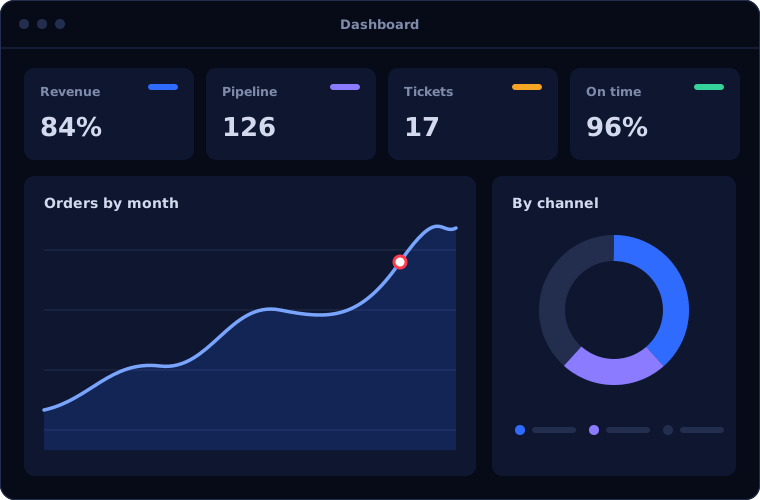
What Power BI does
Power BI is more than charts. These are the parts that make reporting reliable.
Data connections
Bring in data from accounting, CRM, ERP, spreadsheets and databases without manual exports.
Data modelling
Define how tables relate and how each measure is calculated, so every report uses the same numbers.
Interactive dashboards
Managers filter by period, region, product or team and drill into the detail behind a figure.
Scheduled refresh
Reports update on a schedule, so the numbers are current without anyone rebuilding them.
Sharing and access control
Publish to the people who need each report, with rules limiting what each person can see.
Excel and Teams integration
Analyse the same data in Excel and discuss reports inside Teams.
Is Power BI the right fit?
Power BI pays off when reporting is a regular burden. It is unnecessary for very simple needs.
A strong fit when
- Reports are assembled by hand from several systems
- Different departments report different numbers for the same thing
- Managers need to explore data, not just read a fixed report
- You already use Microsoft 365
Look elsewhere when
- One system's built-in reports already answer your questions
- Your data is too unreliable to report on, which should be fixed first
- Your business runs entirely on Zoho, where Zoho Analytics connects more directly
How we implement Power BI
Dashboards fail when they answer the wrong questions. We start with the decisions they must support.
Agree the questions
We identify the decisions each manager makes and the numbers they need for them.
You receiveA list of reports and measures, agreed with usersCheck the data
We examine each source for completeness and consistency before building anything.
You receiveA data assessment and a plan for gapsBuild the model
We connect the sources, relate the tables and define each measure once.
You receiveA tested data model with documented definitionsDesign the dashboards
We build the reports and refine them with the people who will use them.
You receiveDashboards reviewed by their usersPublish and train
Reports are published with access rules, and your team learns to extend them.
You receiveTraining and a guide to the model
Problems we are asked to solve
These are the reporting problems clients bring to us.
| The situation | What we do |
|---|---|
| Monthly reports take a week to prepare | Automate data collection and refresh so reports are ready when the month closes |
| Sales and finance disagree on revenue | Define each measure once in a shared model used by both |
| Management sees numbers too late to act | Schedule daily refresh and give managers direct access |
| Reports are locked in one person's spreadsheet | Move the logic into Power BI where it is documented and shared |
Common questions
What systems can Power BI connect to?
A wide range, including Excel, databases, Microsoft Dynamics 365 and many cloud applications. We confirm the connection options for your systems at the start.
Do we need a data warehouse first?
Not always. Many organisations start by connecting Power BI directly to their systems. A warehouse becomes worthwhile as sources and volumes grow.
Can different people see different data?
Yes. Access rules control which reports each person can open and which rows of data they see.
Will our team be able to build reports themselves?
Yes. We train your team on the model we build so they can create and adapt reports without starting from scratch.
How this page is maintained. Written and reviewed by the BookMyTechies implementation team, based on our project work. Product details are checked against Microsoft's documentation, and pricing is linked to Microsoft's own page because it changes.
Explore further
The same job on other platforms
AI automation for this
Industries where this matters
Tired of building the same reports every month? Talk to us.
Tell us which reports take the most effort today. We will show you how Power BI would produce them.