Zoho Projects setup for project delivery
We set up Zoho Projects so every project has a plan, every task has an owner, and time worked flows through to invoices.
The short answer
Zoho Projects plans and tracks work through tasks, milestones and Gantt charts, records time against each task and connects to Zoho Books for billing. It suits teams that deliver projects for clients and need to see progress and profitability. BookMyTechies configures it around your delivery method and links it to sales and finance.
What Zoho Projects does
Zoho Projects gives delivery teams a shared plan. These are the capabilities that matter most.
Tasks and milestones
Work broken down into tasks with owners, dates and dependencies, grouped under milestones.
Gantt charts
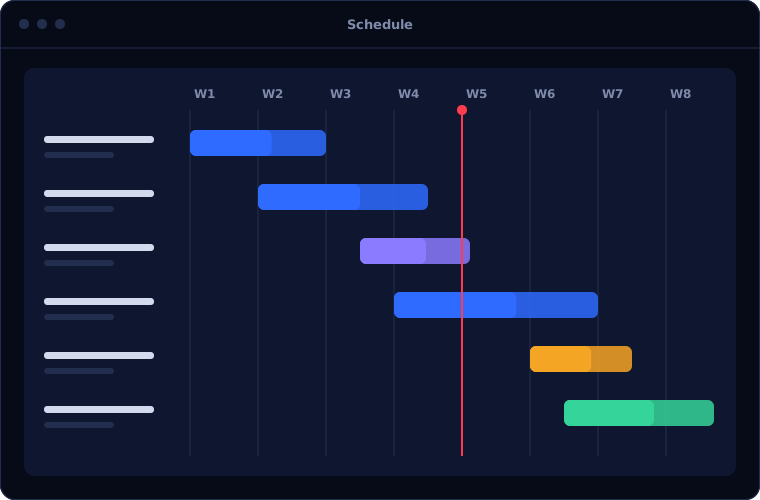
A timeline view showing how tasks depend on each other and where a delay will hit.
Timesheets
Hours logged against tasks, approved by managers and marked as billable or not.
Issue tracking
Problems recorded, assigned and followed to resolution within the project.
Resource view
Who is overloaded and who has capacity, across all projects.
Templates and automation
Standard project plans reused, with rules that move tasks along automatically.
Is Zoho Projects the right fit?
Zoho Projects suits most project-based teams. Some environments need a different tool.
A strong fit when
- You run several client or internal projects at the same time
- You bill by time, or need to know what each project costs
- Projects begin when a deal closes in Zoho CRM
- You want one view of workload across the team
Look elsewhere when
- You run software development with sprints, where Zoho Sprints fits better
- You need heavy construction-style scheduling and cost control
- Your organisation has standardised on Microsoft Project
How we implement Zoho Projects
A project tool works only if it mirrors how you deliver. We start from your method.
Review how you deliver
We look at your project types, stages, roles and how time is recorded today.
You receiveA summary of your delivery processDesign templates
We define project templates, task workflows, roles and billing rules.
You receiveA configuration plan with timeline and costConfigure and connect
We build the setup and link it to Zoho CRM and Zoho Books.
You receiveA working portal with a sample projectBring in live projects
Current projects, tasks and users are loaded so work continues without a gap.
You receiveYour live projects in the systemTrain by role
Managers, team members and finance each learn the parts they use.
You receiveTraining and a short guide per role
Problems we are asked to solve
These are the delivery problems clients ask us to solve.
| The situation | What we do |
|---|---|
| Nobody knows the real status of a project until it is late | Set up milestones, dependencies and dashboards that show progress daily |
| Time is recorded in spreadsheets and billed late | Capture time against tasks and pass approved hours to Zoho Books |
| Every project is planned from scratch | Build templates for your common project types |
| Some people are overloaded while others wait for work | Use the resource view to balance allocation across projects |
Common questions
Can a project be created automatically when a deal is won?
Yes. A won deal in Zoho CRM can create a project from the right template, with the client and scope carried across.
Can clients see their project?
Yes. Clients can be given limited access to view progress, comment and approve.
Does it handle billing?
Billable hours and expenses pass to Zoho Books or Zoho Invoice, where invoices are raised.
How long does setup take?
A standard setup with templates and billing is usually a few weeks, depending on the number of project types.
How this page is maintained. Written and reviewed by the BookMyTechies implementation team, based on our project work. Product details are checked against Zoho's documentation, and pricing is linked to Zoho's own page because it changes.
Explore further
The same job on other platforms
AI automation for this
Want every project visible and billed on time? Talk to us.
Tell us how projects run today. We will show you how Zoho Projects would organise them.