Zoho SalesIQ setup for live chat and visitor tracking
We set up Zoho SalesIQ so website visitors can talk to you immediately, routine questions are answered by a bot, and every conversation reaches your CRM.
The short answer
Zoho SalesIQ adds live chat and chatbots to your website and shows who is visiting and what they are looking at. It suits businesses whose website receives traffic but few enquiries. BookMyTechies configures chat routing, builds the bot conversations and connects chats to your CRM and help desk.
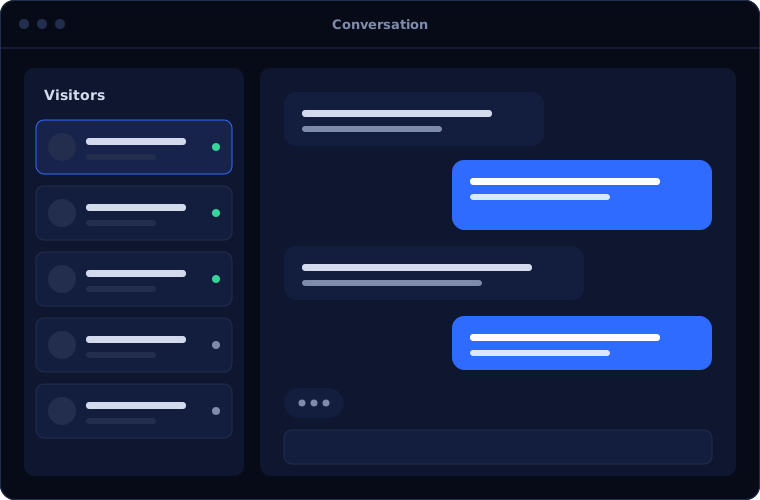
What Zoho SalesIQ does
Zoho SalesIQ turns website visits into conversations. These are its main capabilities.
Live chat
Visitors message your team from any page and get a reply in real time.
Chatbots
Automated conversations that answer common questions and collect details.
Visitor tracking
A live view of who is on the site, which pages they view and where they came from.
Routing
Chats sent to the right team by page, topic or region.
Triggers
Proactive messages shown when a visitor meets conditions you set.
CRM and help desk sync
Conversations saved as leads or tickets, with the history attached.
Is Zoho SalesIQ the right fit?
SalesIQ pays off when your website has traffic worth engaging.
A strong fit when
- Visitors leave your site without contacting you
- Sales wants to respond while a prospect is interested
- The same questions come in repeatedly
- You use Zoho CRM or Zoho Desk
Look elsewhere when
- Your website has very little traffic
- Nobody is available to answer chats and a bot will not suffice
- You need a full contact centre platform
How we implement Zoho SalesIQ
Chat works when someone, or something, always answers. We plan for both.
Review your website and enquiries
We look at your traffic, key pages and the questions visitors ask.
You receiveA summary of where chat will helpDesign the conversations
We define routing, availability, bot scripts and handover to people.
You receiveConversation designs agreed with youConfigure and connect
We install chat, build the bots and link CRM and help desk.
You receiveWorking chat on a test pageLaunch
Chat goes live on the site with your team ready.
You receiveLive chat and botsReview and tune
We review conversations and adjust scripts and triggers.
You receiveA first-month review
Problems we are asked to solve
These are the problems SalesIQ is brought in to solve.
| The situation | What we do |
|---|---|
| Website visitors do not fill in the contact form | Offer chat and capture details in the conversation |
| Enquiries out of hours go unanswered | Use a bot to answer, collect details and book a follow-up |
| Sales has no idea who is browsing | Show live visitor activity and alert sales to key accounts |
| Chat conversations are lost | Save each chat to the CRM or help desk |
Common questions
Do we need staff online all the time?
No. Bots can cover out-of-hours and hand over to people during working hours.
Can the chatbot use our own content?
Yes. Bots can be scripted and can draw on your knowledge base for answers.
Does it slow down the website?
The chat widget is light, and we check its effect on page speed after installing.
Can chats become leads automatically?
Yes. Visitor details and the conversation are saved to Zoho CRM.
How this page is maintained. Written and reviewed by the BookMyTechies implementation team, based on our project work. Product details are checked against Zoho's documentation, and pricing is linked to Zoho's own page because it changes.
Explore further
The same job on other platforms
AI automation for this
Often used alongside
Visitors leaving without a word? Talk to us.
Tell us about your website and enquiries. We will show you how SalesIQ would help.