AI HR automation for people teams
AI HR automation answers routine employee questions, checks documents, coordinates onboarding and prepares HR reports, so the people team can focus on people.
At a glance
| What AI does | Answers policy questions, checks documents, coordinates tasks |
| Works with | Zoho People, Odoo Employees, Microsoft 365 and Teams |
| People stay in charge of | Hiring, performance, pay and sensitive matters |
| Data used | HR policies, employee records and documents |
The short answer
AI HR automation uses AI assistants and workflows for the repetitive side of HR: answering questions about leave, policies and payslips, checking joining documents, coordinating onboarding and offboarding tasks and preparing headcount and attrition reports. Sensitive decisions remain with HR.
Why HR teams are stretched
HR answers the same questions every week, chases documents and coordinates tasks across IT, finance and managers.
Time for hiring, engagement and development is squeezed.
How the work is usually done today
- Policy questions answered one by one
- Documents checked by hand
- Onboarding tasks coordinated by email
- Leave balances looked up on request
- Reports compiled in spreadsheets
What AI changes
AI takes the routine work off HR.
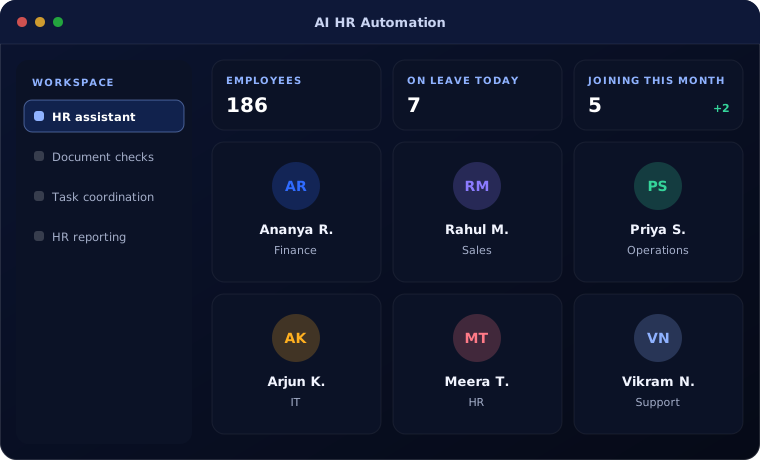
HR assistant
Employees ask in plain language and get answers from your policies.
Document checks
Joining documents checked for completeness and validity.
Task coordination
Onboarding and offboarding tasks created and tracked.
HR reporting
Headcount, leave and attrition reports prepared automatically.
How AI HR automation works
An employee request:
Ask
An employee asks a question in chat or email.
Handled by Automation
Answer
AI answers from approved HR policies and records.
Handled by AI agent
Escalate
Sensitive or unclear questions go to HR.
Handled by AI agent
Resolve
HR handles the escalated case.
Handled by Person
Improve
New answers are added to the knowledge base.
Handled by Person
Where people stay in control
People decisions stay with people.
- AI never decides on hiring, pay or performance
- Personal data is visible only to authorised users
- Sensitive topics go straight to HR
- Answers come only from approved policies
Security and governance
- Access limited to the documents and records each step needs
- Every automated action logged with who or what made it
- Data kept in your own systems and approved cloud services
Systems this connects to
What you can expect
Typical outcomes:
- Fewer routine questions reaching HR
- Faster, more consistent onboarding
- Complete employee records
- HR reports without spreadsheet work
Common questions
Can employees ask questions in Microsoft Teams?
Yes. The assistant can work inside Teams, email or your HR portal.
Does it work with payroll?
It can answer payslip questions from payroll data and route corrections to HR or payroll staff.
Is employee data shared with AI providers?
We configure services so your data is not used to train models, and limit what each request can see.
Can it handle policies for different locations?
Yes. Answers can depend on the employee location and grade.
Explore further
Platforms this automation runs on
Often used alongside
Is your HR team buried in routine questions?
Tell us the questions they answer most. We will show you what AI HR automation can take over.