Odoo Point of Sale implementation
We set up Odoo Point of Sale so every sale at the counter updates stock and accounts immediately, across one shop or many.
The short answer
Odoo Point of Sale is a till system that runs on tablets and computers, keeps working when the internet drops and updates stock and accounts as sales are made. It suits retailers and restaurants that want shop sales in the same system as everything else. BookMyTechies configures the shops, products and payment methods and trains your staff.
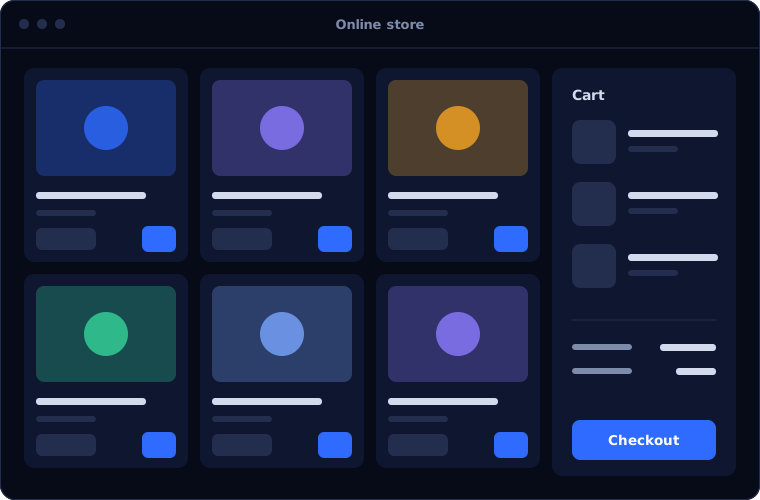
What Odoo Point of Sale does
Odoo Point of Sale connects the counter to the back office.
Fast checkout
A touch interface with barcode scanning and product search.
Works offline
Sales continue without a connection and sync when it returns.
Payments
Cash, cards and other methods, with supported payment terminals.
Loyalty and discounts
Points, gift cards, promotions and price lists.
Restaurant features
Floor plans, table orders, kitchen printing and bill splitting.
Real-time stock
Each sale reduces stock in Odoo Inventory.
Is Odoo Point of Sale the right fit?
Odoo Point of Sale suits shops that want integration more than specialised features.
A strong fit when
- You run one or more shops or restaurants
- Stock must be accurate across shop and online sales
- You want sales to reach accounts without re-entry
- You use, or plan to use, Odoo Inventory
Look elsewhere when
- You need specialised features for a particular retail sector
- You are tied to payment hardware Odoo does not support
- You have a large chain with an established retail system
How we implement Odoo Point of Sale
A till rollout must not disrupt trading. We plan it shop by shop.
Review the shops
We look at products, pricing, payment methods and hardware.
You receiveA setup plan per shopConfigure
We set up products, price lists, taxes and payment methods.
You receiveA configured tillSet up hardware
Scanners, printers and terminals are connected and tested.
You receiveWorking hardwarePilot
One till or shop goes live first.
You receiveA proven setupRoll out and train
Remaining shops follow, with staff trained on site or remotely.
You receiveTrained staff and live tills
Problems we are asked to solve
These are the retail problems clients ask us to fix.
| The situation | What we do |
|---|---|
| Shop sales are entered into accounts at the end of the day | Post each session to accounting automatically |
| Stock in the shop and online never agree | Share one inventory between tills and the online store |
| The till stops when the internet fails | Use offline mode, which syncs later |
| Promotions are applied inconsistently | Configure discounts and loyalty rules centrally |
Common questions
Does it need special hardware?
It runs on ordinary tablets and computers. Printers, scanners and terminals must be compatible, which we check.
Can it manage several shops?
Yes, each with its own tills, stock location and prices.
Does it work for restaurants?
Yes, with table management and kitchen orders.
What happens if the connection drops?
The till keeps selling and syncs when the connection returns.
How this page is maintained. Written and reviewed by the BookMyTechies implementation team, based on our project work. Product details are checked against Odoo's documentation, and pricing is linked to Odoo's own page because it changes.
Explore further
The same job on other platforms
AI automation for this
Industries where this matters
Tills disconnected from stock and accounts? Talk to us.
Tell us how many shops and tills you run. We will plan the rollout.