Zoho WorkDrive setup for team file management
We set up Zoho WorkDrive so your teams keep files in shared, organised folders with the right permissions, and moving from old drives loses nothing.
The short answer
Zoho WorkDrive stores files in team folders that belong to the organisation, not to individuals, with permissions, version history and built-in document editing. It suits businesses that have outgrown shared drives and email attachments. BookMyTechies designs the folder structure, migrates your files and sets the sharing rules.
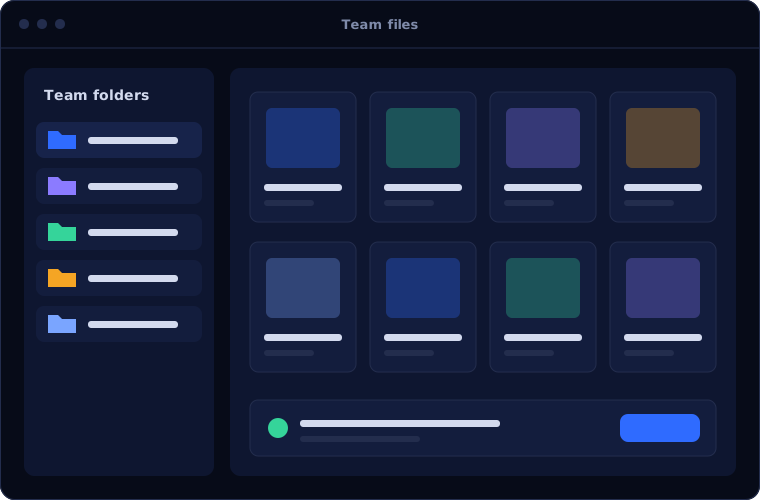
What Zoho WorkDrive does
Zoho WorkDrive organises files around teams. These are its main capabilities.
Team folders
Files owned by the team, so nothing disappears when someone leaves.
Permissions
Access set by role, from view-only to full control.
Version history
Earlier versions kept, so changes can be reviewed or undone.
Built-in editors
Documents, spreadsheets and presentations created and edited together online.
External sharing
Links with passwords, expiry dates and download controls.
Desktop sync
Files available on computers as well as in the browser.
Is Zoho WorkDrive the right fit?
WorkDrive suits organisations that want file control without heavy infrastructure.
A strong fit when
- Files live on personal devices, email or an ageing server
- Staff work from several locations
- You need to control who sees which documents
- You already use other Zoho apps
Look elsewhere when
- Your organisation runs on Microsoft 365, where SharePoint and OneDrive are already included
- You need a specialised document management system for regulated records
- You work mainly with very large design or media files
How we implement Zoho WorkDrive
A file system is only as good as its structure. We design that first.
Audit your files
We look at where files are, how much there is and who uses what.
You receiveA summary of current storage and gapsDesign the structure
We define team folders, naming and permission levels.
You receiveA folder and permission planConfigure
We create the structure, set sharing policies and connect other apps.
You receiveA configured WorkDriveMigrate
Files are moved in stages, with checks that nothing is lost.
You receiveYour files in place, verifiedTrain
Staff learn where things go and how to share safely.
You receiveTraining and a simple filing guide
Problems we are asked to solve
These are the file problems clients describe.
| The situation | What we do |
|---|---|
| Nobody can find the latest version | Use team folders with version history as the single source |
| Files vanish when an employee leaves | Store documents in team folders owned by the organisation |
| Confidential files are shared too widely | Set permissions by role and control external links |
| The old file server is failing | Migrate to WorkDrive in planned stages |
Common questions
Can you migrate files from our existing drive?
Yes. We move files from common cloud drives and file servers, keeping the folder structure where it is worth keeping.
Can we control sharing outside the company?
Yes. External links can require a password, expire on a date and block downloads.
Does it work offline?
The desktop app syncs chosen folders so files are available without a connection.
Is WorkDrive included in Zoho One?
Yes. It is also part of Zoho Workplace and available separately.
How this page is maintained. Written and reviewed by the BookMyTechies implementation team, based on our project work. Product details are checked against Zoho's documentation, and pricing is linked to Zoho's own page because it changes.
Explore further
The same job on other platforms
AI automation for this
Industries where this matters
Files scattered everywhere? Talk to us.
Tell us where your files are today. We will plan a structure and a safe migration.