Odoo Studio customisation
We use Odoo Studio to adapt Odoo to your process, adding fields, screens, approvals and automation without heavy custom development.
The short answer
Odoo Studio lets you add fields, change screens, design reports, create approval rules and automate actions inside any Odoo app, without writing code. It suits processes that are nearly, but not quite, covered by standard Odoo. BookMyTechies uses Studio where it is the right tool and custom development where it is not.
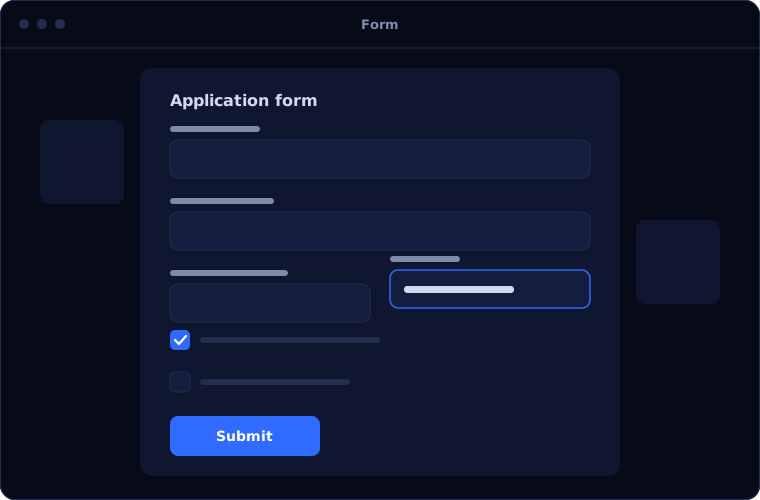
What Odoo Studio does
Studio covers most everyday customisation.
Fields and screens
New fields added and forms, lists and boards rearranged.
Automated actions
Rules that update records, send emails or create activities.
Approvals
Buttons and steps that need sign-off from named people.
Reports
Printed documents such as quotes and invoices redesigned.
New apps
Simple applications built for needs no standard app covers.
Access control
Who can see or change the new elements.
Is Odoo Studio the right fit?
Studio is the right tool for moderate changes.
A strong fit when
- Standard Odoo almost fits your process
- You need extra fields, approvals or document layouts
- You want changes your administrator can understand
- You want to avoid heavy custom code
Look elsewhere when
- The requirement needs complex logic or integrations, where custom modules are better
- You use the Community edition, which does not include Studio
- The standard feature already does it and only training is needed
How we implement Odoo Studio
Every customisation must be justified, because each one is maintained forever.
Challenge the requirement
We check whether standard Odoo already meets the need.
You receiveA list of real customisationsDesign
We define fields, screens, rules and reports.
You receiveA customisation designBuild
We make the changes in a test environment.
You receiveChanges ready to reviewTest
Your users try them with real cases.
You receiveApproved customisationsDocument and hand over
Each change is documented for future upgrades.
You receiveDocumentation and training
Problems we are asked to solve
These are typical Studio requests.
| The situation | What we do |
|---|---|
| We track information Odoo has no field for | Add the fields and place them on the right screens |
| Certain orders need a manager's approval | Add an approval step with named approvers |
| Our quotation must follow a specific layout | Redesign the report |
| A routine step is always forgotten | Automate it with an action triggered by the record |
Common questions
Is Studio included in Odoo?
It is part of the Enterprise edition.
Will Studio changes survive upgrades?
Generally yes, which is one reason to prefer Studio over custom code where possible. We document changes to make upgrades smoother.
When is custom development needed instead?
For complex logic, integrations with other systems or performance-sensitive features.
Can our own team make changes later?
Yes. We train your administrator and document what was built.
How this page is maintained. Written and reviewed by the BookMyTechies implementation team, based on our project work. Product details are checked against Odoo's documentation, and pricing is linked to Odoo's own page because it changes.
Explore further
The same job on other platforms
AI automation for this
Often used alongside
Industries where this matters
Odoo almost fits, but not quite? Talk to us.
Tell us what does not fit. We will tell you whether Studio can solve it.