Zoho Inventory setup for stock and orders
We configure Zoho Inventory so your stock figures are right, orders flow from sale to shipment, and your online stores and accounts stay in step.
The short answer
Zoho Inventory tracks stock across warehouses and manages the full order cycle, from sales order to packing, shipping and invoicing. It suits trading, distribution and e-commerce businesses that need accurate stock without a full ERP. BookMyTechies sets up items, warehouses and channels, loads your opening stock and trains your team.
What Zoho Inventory does
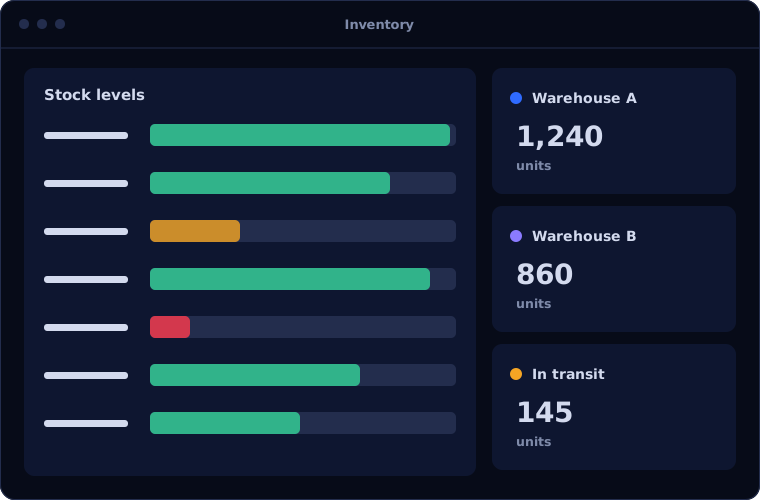
Zoho Inventory brings stock, sales and purchasing into one view. Clients use these capabilities most.
Multi-warehouse stock
See quantities by location, transfer stock between warehouses and know what is available to promise.
Sales order to shipment
Orders move through packing, shipping and invoicing with status visible at each step.
Purchasing and reordering
Raise purchase orders, receive against them and get alerts when items fall below reorder levels.
Serial and batch tracking
Trace individual units or batches from receipt to sale, including expiry dates where they apply.
Online sales channels
Connect marketplaces and web stores so orders arrive automatically and stock levels update everywhere.
Shipping integrations
Create shipping labels and tracking from within the order, with carriers connected directly.
Is Zoho Inventory the right fit?
Zoho Inventory fits trading businesses well. Manufacturers usually need something more.
A strong fit when
- You buy and sell finished goods through one or more warehouses
- You sell on marketplaces or your own online store
- You already use, or plan to use, Zoho Books for accounts
- You want stock accuracy without the cost of a full ERP
Look elsewhere when
- You manufacture with bills of materials and work orders, where Odoo is stronger
- You need advanced warehouse operations such as wave picking
- You need one system covering finance, production and stock for many entities
How we implement Zoho Inventory
Stock projects succeed when the data is clean at the start. Our steps are built around that.
Map items and stock flows
We review your item list, units, warehouses and how goods move from purchase to delivery.
You receiveAn item and warehouse structure agreed with youPlan the configuration
We define item groups, price lists, reorder rules, taxes and document templates.
You receiveA setup plan with timeline and costConfigure and connect channels
We build the system and connect your online stores, shipping carriers and Zoho Books.
You receiveA working system with test ordersLoad opening stock
Items, opening quantities and open orders are imported and checked against a physical count.
You receiveStock in the system matching your countTrain the team
Warehouse, sales and purchase staff practise on real orders with us alongside.
You receiveTraining by role and a simple process guide
Problems we are asked to solve
Clients usually arrive with one of these stock problems.
| The situation | What we do |
|---|---|
| The system shows stock that is not on the shelf | Clean the item master, run a count and set up controlled adjustments and transfers |
| Marketplace orders are entered by hand | Connect each channel so orders and stock levels sync automatically |
| Items run out because nobody noticed | Set reorder levels and alerts, with purchase orders raised from them |
| Stock values in accounts never match the warehouse | Link Zoho Inventory and Zoho Books so every movement posts to the accounts |
Common questions
Can Zoho Inventory handle more than one warehouse?
Yes. It tracks stock by warehouse, supports transfers between locations and shows availability across all of them.
Does it connect to our online store or marketplace?
It connects to a range of marketplaces and e-commerce platforms. We confirm your specific channels during planning and set up the connection.
Is Zoho Inventory enough for a manufacturer?
It supports simple assemblies, but businesses with bills of materials, work orders and production planning are usually better served by Odoo Manufacturing.
Will our opening stock be accurate?
We import your quantities and reconcile them against a physical count before go-live, because wrong opening stock is the most common cause of later problems.
How this page is maintained. Written and reviewed by the BookMyTechies implementation team, based on our project work. Product details are checked against Zoho's documentation, and pricing is linked to Zoho's own page because it changes.
Explore further
The same job on other platforms
AI automation for this
Often used alongside
Industries where this matters
Need stock figures you can trust? Talk to us.
Tell us what you sell, where you store it and where you sell it. We will outline the right setup.