Power Apps development
We build business applications in Power Apps for the processes your standard systems do not cover, running inside your Microsoft environment.
The short answer
Power Apps lets organisations build web and mobile applications quickly, using data from Microsoft and other systems, under their existing security. It suits processes such as approvals, inspections and requests that live in spreadsheets and email. BookMyTechies designs and builds the apps and sets up the governance to manage them.
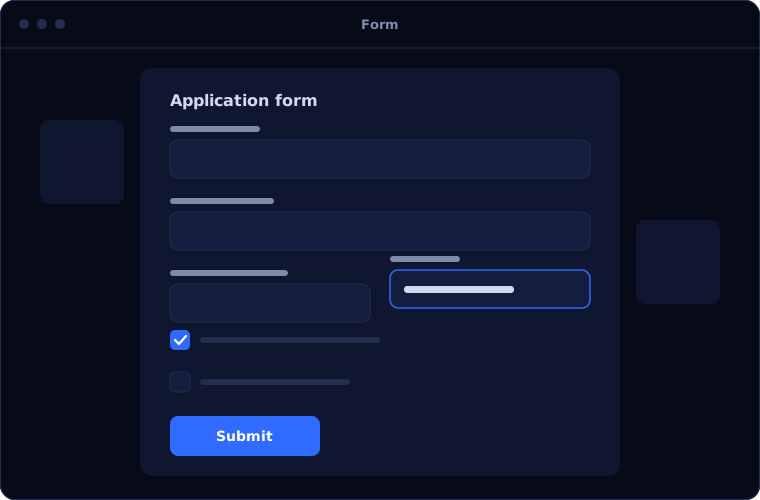
What Power Apps does
Power Apps supplies the building blocks for internal applications.
Canvas apps
Screens designed freely for specific tasks, on phone, tablet or browser.
Model-driven apps
Data-centred applications built on Dataverse with forms, views and rules.
Connectors
Data read from and written to Microsoft and other systems.
Mobile and offline
Apps for field staff, with offline capability where needed.
Integration with Teams and SharePoint
Apps used inside the tools staff already open every day.
Governance
Environments, permissions and policies that keep apps under control.
Is Power Apps the right fit?
Power Apps is the obvious choice for custom apps on Microsoft.
A strong fit when
- Your organisation uses Microsoft 365
- A process runs on spreadsheets, forms or email
- You need a mobile app for field or shop-floor staff
- You want apps your IT team can govern
Look elsewhere when
- A standard product already covers the need
- You need a public, high-volume consumer app
- You are a Zoho-based business, where Zoho Creator fits better
How we implement Power Apps
We keep requirements concrete and deliver in short stages.
Define the process
We document who does what and where it goes wrong.
You receiveA requirements documentDesign
We agree screens, data and flow.
You receiveAn approved designBuild
We develop in stages and show each one.
You receiveWorking versions to testTest and secure
Users test with real cases, and permissions are set.
You receiveA tested, secured appLaunch and govern
The app is released, with ownership and change control defined.
You receiveTraining and governance notes
Problems we are asked to solve
These are typical Power Apps requests.
| The situation | What we do |
|---|---|
| Inspections are done on paper | Give inspectors a mobile app with photos and signatures |
| Requests are approved over email | Build a request and approval app with history |
| A shared spreadsheet has become critical | Replace it with an app and a proper data store |
| Apps were built by staff with no oversight | Set up environments, policies and ownership |
Common questions
Do we already have Power Apps?
Many Microsoft 365 plans include limited use. More advanced apps need additional licences. We review your position first.
Where is the data stored?
In SharePoint, Dataverse or your existing systems, depending on the app.
Can apps work offline?
Yes, where designed for it.
Who maintains the apps afterwards?
We document them so your IT team can, and we offer support.
How this page is maintained. Written and reviewed by the BookMyTechies implementation team, based on our project work. Product details are checked against Microsoft's documentation, and pricing is linked to Microsoft's own page because it changes.
Explore further
The same job on other platforms
AI automation for this
Often used alongside
Industries where this matters
A process stuck in spreadsheets? Talk to us.
Describe the process. We will tell you whether a Power App is the right answer.