Zoho Analytics dashboards and reporting
We connect Zoho Analytics to your Zoho apps and other systems and build dashboards that answer the questions your managers ask every week.
The short answer
Zoho Analytics brings data from Zoho apps and other sources into one place and turns it into dashboards that update automatically. It suits businesses that already use Zoho and need reporting that crosses sales, finance and support. BookMyTechies builds the connections and dashboards and trains your team to extend them.
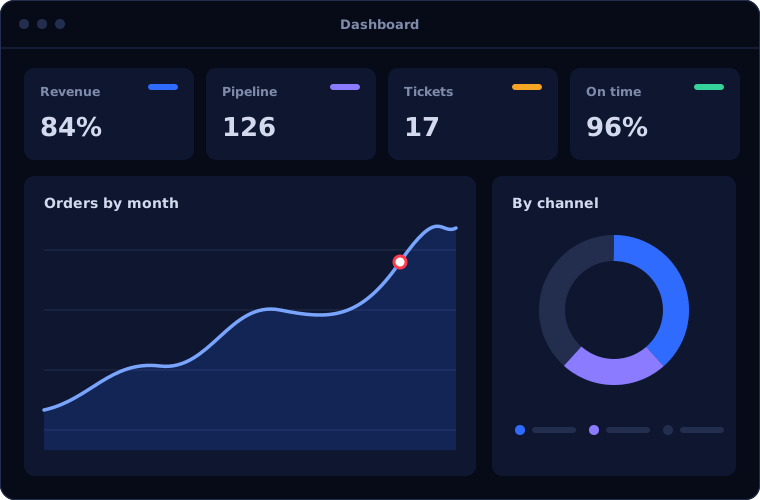
What Zoho Analytics does
Zoho Analytics goes beyond the reports built into each app. These are the capabilities clients use most.
Ready connections to Zoho apps
Data from CRM, Books, Desk and other Zoho apps syncs without manual exports.
Data from other sources
Spreadsheets, databases and many cloud applications can be brought in alongside Zoho data.
Cross-app reports
Combine sales, finance and support figures in a single report.
Dashboards
Key measures on one screen, with filters by period, team or product.
Scheduled delivery
Reports emailed to managers on a schedule, or shared through a portal.
Ask in plain language
Zia, Zoho's assistant, answers typed questions with a chart or figure.
Is Zoho Analytics the right fit?
Zoho Analytics is the natural reporting tool on Zoho. It is less suited elsewhere.
A strong fit when
- Your business runs on several Zoho apps
- Reports are built by exporting data to spreadsheets
- You want sales, finance and support measured together
- Managers need dashboards, not month-end summaries
Look elsewhere when
- One app's built-in reports already meet your needs
- Your organisation has standardised on Power BI
- Your underlying data is unreliable and needs fixing first
How we implement Zoho Analytics
Reporting projects succeed when they start from decisions, not from data.
Agree the questions
We identify what each manager needs to decide and the numbers behind those decisions.
You receiveA list of dashboards and measuresReview the data
We check each source for gaps and inconsistencies before building.
You receiveA data assessmentConnect the sources
Zoho apps and other systems are connected and scheduled to sync.
You receiveData flowing into Zoho AnalyticsBuild the dashboards
Reports are built and refined with the people who will use them.
You receiveDashboards reviewed by their usersShare and train
Access is set by role, and your team learns to create its own reports.
You receiveTraining and documentation
Problems we are asked to solve
These are the reporting problems clients bring to us.
| The situation | What we do |
|---|---|
| Sales and finance figures never match | Define each measure once and report both from the same data |
| Reports take days to assemble | Sync the data automatically and schedule delivery |
| Managers ask for the same report every week | Give them a dashboard they can filter themselves |
| Nobody trusts the numbers | Fix data quality at the source and document how each figure is calculated |
Common questions
Is Zoho Analytics included in Zoho One?
Yes, it is one of the applications in the Zoho One bundle. It can also be bought separately.
Can it report on data outside Zoho?
Yes. It connects to spreadsheets, databases and many other cloud applications.
Should we use Zoho Analytics or Power BI?
If your systems are mostly Zoho, Zoho Analytics connects more directly. If your organisation runs on Microsoft, Power BI is usually the better fit.
Can each manager see only their own data?
Yes. Access can be restricted by report and by rows of data.
How this page is maintained. Written and reviewed by the BookMyTechies implementation team, based on our project work. Product details are checked against Zoho's documentation, and pricing is linked to Zoho's own page because it changes.
Explore further
The same job on other platforms
AI automation for this
Industries where this matters
Want one view across sales, finance and support? Talk to us.
Tell us which reports matter most. We will show you how Zoho Analytics would produce them.