Zoho CRM Plus setup for sales, marketing and service together
We implement Zoho CRM Plus so sales, marketing and service teams share one view of every customer, with campaigns, chat, helpdesk and analytics connected to the CRM.
At a glance
| What it is | A bundle of Zoho customer-facing apps around Zoho CRM |
| Includes | CRM, marketing, helpdesk, chat, social and analytics apps |
| Best for | Companies wanting one customer platform across teams |
| Our role | Design, setup, integration, migration and training |
| Pricing | See Zoho’s website for current plans |
The short answer
Zoho CRM Plus brings Zoho CRM together with Zoho’s marketing, customer service, live chat and analytics apps, so every team works from the same customer record. BookMyTechies designs how the apps work together, sets them up and trains each team.
What Zoho CRM Plus does
Zoho CRM Plus connects the whole customer journey.
Sales CRM
Leads, deals, quotes and forecasts in Zoho CRM.
Marketing
Campaigns and journeys tied to CRM data.
Customer service
Tickets in Zoho Desk linked to the customer record.
Live chat
Website visitors engaged through Zoho SalesIQ.
Analytics
Cross-team dashboards in Zoho Analytics.
Unified customer view
Every interaction visible on one record.
Is Zoho CRM Plus the right fit?
CRM Plus is strongest when several teams serve the same customers.
A strong fit when
- Sales, marketing and support all serve the same customers
- You want one vendor and one customer record
- You plan to use several customer-facing Zoho apps
Look elsewhere when
- You only need sales CRM, where Zoho CRM alone is simpler
- You also need finance and HR apps, where Zoho One may be better value
How we implement Zoho CRM Plus
We roll CRM Plus out team by team.
Understand your process
We review how your team works today and what CRM Plus needs to do.
You receive A short requirements summary
Configure
We set up CRM Plus with your fields, stages, templates, users and permissions.
You receive A configured system
Connect and import
We import your data and connect the tools you already use.
You receive Your data, ready to use
Train and launch
Your team is trained on real tasks and we support the first weeks.
You receive A live system your team uses
Problems we are asked to solve
These are the situations clients most often bring to us.
| The situation | What we do |
|---|---|
| Teams see different versions of the customer | Connect apps to one CRM record |
| Marketing cannot prove revenue impact | Link campaigns to deals and report on them |
| Support has no view of sales history | Show CRM data inside the helpdesk |
Related products
CRM Plus overlaps with these.
Common questions
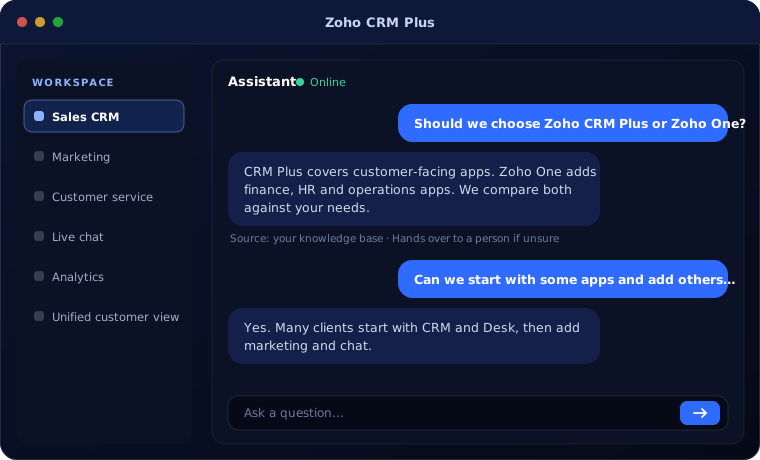
Should we choose Zoho CRM Plus or Zoho One?
CRM Plus covers customer-facing apps. Zoho One adds finance, HR and operations apps. We compare both against your needs.
Can we start with some apps and add others later?
Yes. Many clients start with CRM and Desk, then add marketing and chat.
Can you migrate from Salesforce or HubSpot?
Yes. We migrate accounts, contacts, deals and history into Zoho CRM.
How this page is maintained. Written and reviewed by the BookMyTechies implementation team, based on our project work. Product details are checked against Zoho’s documentation, and pricing is linked to Zoho’s own page because it changes.
Explore further
The same job on other platforms
AI automation for this
Often used alongside
Want sales, marketing and service on one platform?
Tell us how your teams work with customers. We will design a CRM Plus setup around them.